Planner
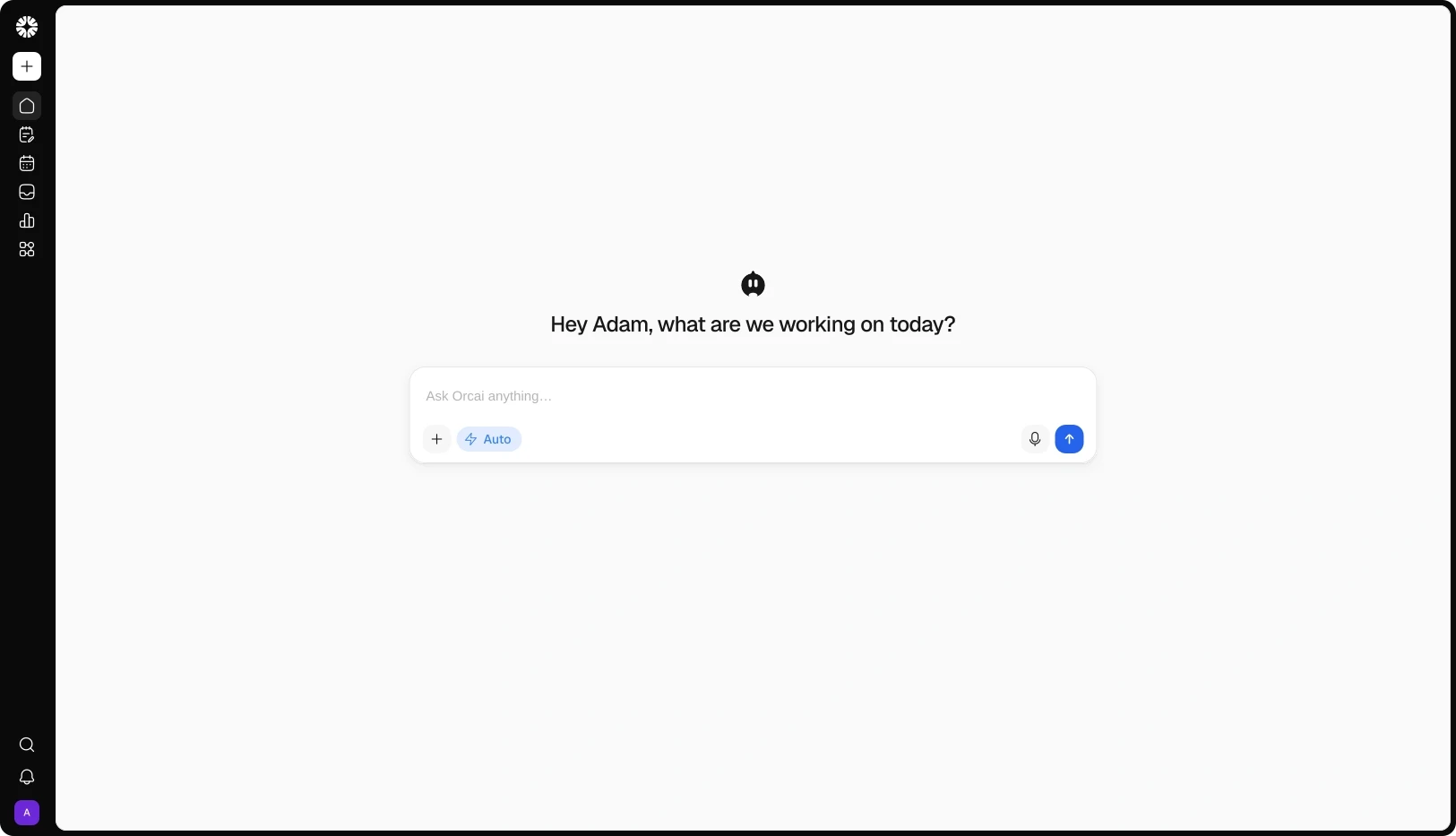
The Planner is Qootra's core planning module, where all the planning happens. It has Ideas, Calendars, Campaigns, Tasks, and so much more, all in one unified Planner Core module. Turn any idea into a post in one click, or just ask Orcai, Qootra's AI agent, that knows you, your brand, and your social accounts, so it helps you write and create high-quality, high-performing content that fits your brand.
View demo
Works with 12+ platforms your audience already uses
WHY PLANNER
Planning shouldn't take longer than creating. The Planner turns a pile of ideas into a month you can actually run — so you stop deciding what to post every morning and start posting consistently.
INSIDE THE PLANNER
01
Ideas
Capture ideas as they come — a note, a link, a thought — and give each one a platform, format, and next step.
02
Calender
Drag ideas onto dates, reschedule in seconds, and keep a slot open for the trend you didn't plan for.
03
Board
Move every idea through your stages — idea, script, film, edit, post — and see what's stuck at a glance.
04
Tasks
Board and table views, assignees, priorities, and due dates that flag overdue work early.
05
Campaigns
Give a campaign its goals, then link the posts, ideas, and tasks behind it.
06
Artifacts
Keep the swipe file, the competitor tables, and the hooks that worked beside the plan.
ORCAI IN THE PLANNER
OUTCOMES
3x
Faster planning
Turn a scattered set of ideas into a planned month in one session — campaigns, tasks, and the calendar in the same workspace.
5x
Better content quality
Orcai plans with your brand voice, your audience, and your Knowledge Hub — so every idea starts with the context that makes it worth posting.
73%
Less manual work
Cut the copying, switching, and rebuilding between planning and publishing — finished work moves straight into Content Studio.
FAQs
What is the Planner?
It's where a Qootra workspace starts. Capture ideas, put them on a calendar, run campaigns, and track tasks — then send finished work into Content Studio to publish.
Is the Planner a separate tool?
No — it's part of Qootra. Planner sits in the same workspace as Content Studio, Smart Inbox, Analytics, and Automations, so there's nothing to install, sync, or maintain.
What can I do in it?
Plan ideas, schedule them on a calendar, run them through a board, track tasks and campaigns, and keep your research in a library. Start with one idea — add its platform and a date, and it's on the calendar.
Does Orcai work inside the Planner?
Yes. Orcai can plan your week and draft a campaign from your workspace context. Suggestions arrive as proposals you can accept or edit — nothing is created until you confirm.
Can I see what's behind schedule?
Yes. The Overview shows what's planned, what's unscheduled, your open and overdue tasks, and your active campaigns at a glance — so problems surface early, while you can still fix them.
How does an idea become a published post?
An idea gets a platform, a format, and a date. When it's ready, one click turns it into a post in Content Studio, where you draft, review, and publish it.
Can I reuse content that already worked?
Yes. Send a published post to Repurpose, and its angles come back to Planner as linked ideas — ready for another run.
Can my team work in the Planner together?
Yes. Assign ideas and tasks, set due dates, and move work between statuses. Roles apply across the whole workspace.
Which platforms does the Planner plan for?
All 12 Qootra platforms: Instagram, Facebook, Threads, TikTok, YouTube, LinkedIn, X, Pinterest, Bluesky, VK, Google Business Profile, and Tumblr.
