Content Studio
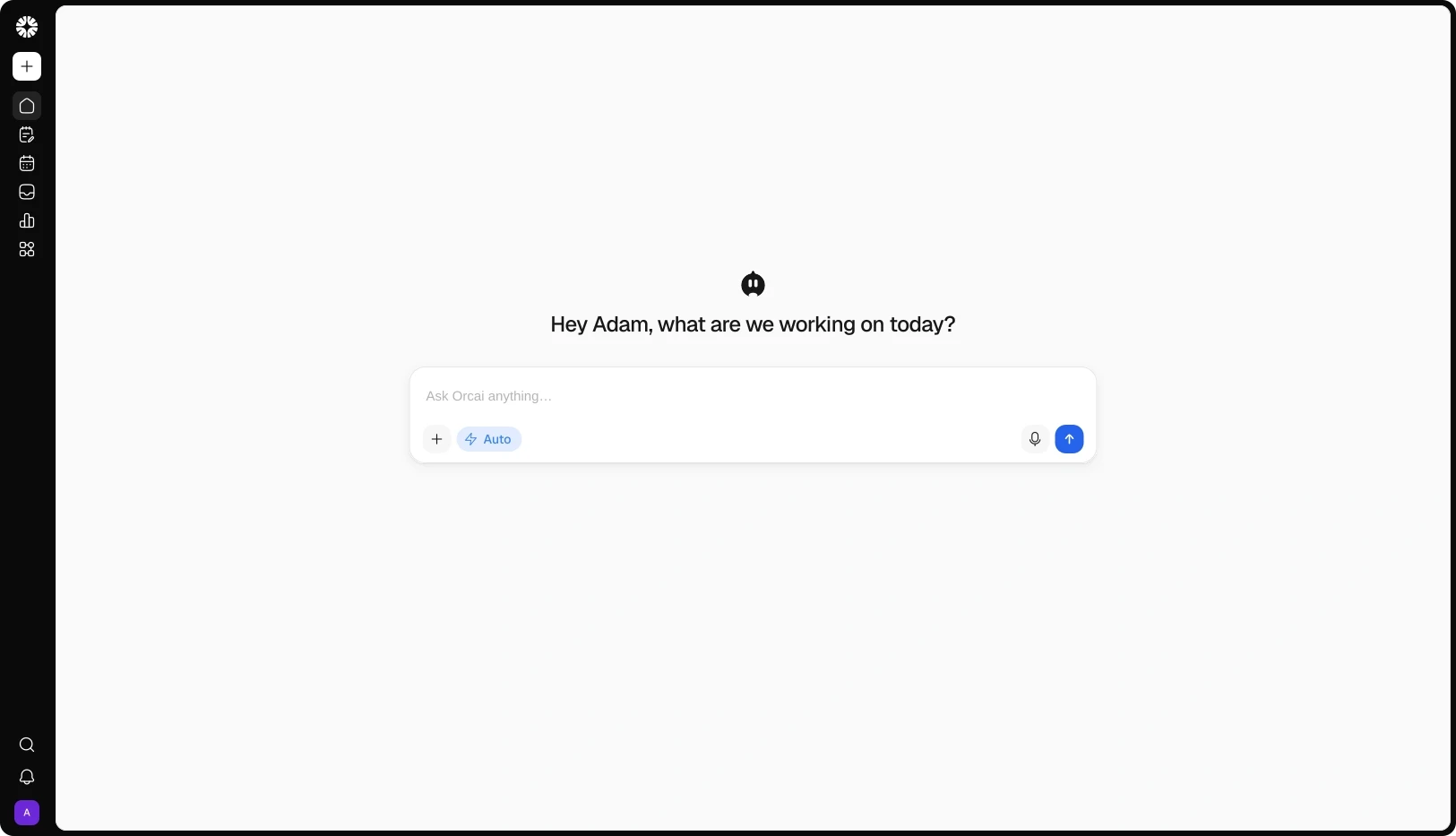
Content Studio is where every post lives — from first draft to published and measured. Compose once, preview and adapt it for each platform, get it approved, and publish to all 12 networks. Orcai, Qootra's AI agent, writes in your brand voice, checks the caption, and adapts it per platform, so the first draft is already close.
View demo
Works with 12+ platforms your audience already uses
WHY CONTENT STUDIO
Writing in one app, scheduling in another, approvals in email — every handoff loses time and context. Content Studio keeps the whole post in one place, from the first line to the published result.
INSIDE CONTENT STUDIO
01
Composer
Write it once and publish it everywhere. One caption, per-platform previews and variants, and four ways to send it: Post now, Schedule, Queue, or send for approval.
02
Board
Every post, one honest status. Drafts, Approvals, Scheduled, and Published are real states — and a failed post shows the platform's error with a retry.
03
Calender
See the month in one view. Your scheduled and published posts laid out by date — click any one and you're on it.
04
Approvals
Review without the back-and-forth. Real requests, multi-step chains, and pre-review scoring, with client links that approve without an account.
05
Media Library
One library for the whole workspace. Upload once, find it by name or type, and reuse it in the composer or from the Inbox.
06
Repurpose
Turn what worked into what's next. Pull angles from your published posts and send them back as ideas, or open one straight in the composer.
ORCAI IN CONTENT STUDIO
OUTCOMES
3x
Faster content production
One composer turns a single caption into platform-ready versions, so posting to five networks takes about as long as posting to one.
5x
More content shipped
Orcai drafts, checks, and adapts before a human edits, so the same person ships more posts per week without dropping quality.
73%
Less manual work
Cut the copying between tools, the approval emails, and the per-platform rewrites — the post moves from draft to published in one place.
FAQs
Is Content Studio just a scheduler?
No. Scheduling is one of four publish modes. Content Studio covers the whole post: compose, review, schedule, publish, and repurpose — in one module.
Do my clients need an account to approve posts?
No. Internal approvals run inside Qootra, and you can send a reviewer link (or a client portal link) so an outside client approves or comments from a browser — no signup.
Can I write one caption and use it on several platforms?
Yes. The composer keeps per-platform overrides. Orcai can adapt one caption to each platform's limits, and you preview each feed before publishing.
What happens if a post fails to publish?
It doesn't disappear. The post shows a failed or partial-fail badge with the platform's error, and you can retry just the targets that failed.
Can I schedule a month at once?
You can schedule as far ahead as you like, queue posts into your weekly slots, or import a CSV of up to 200 rows. Posts planned in the Planner feed the same queue.
Which platforms can it publish to?
All 12: Instagram, Facebook, Threads, TikTok, YouTube, LinkedIn, X, Pinterest, Bluesky, VK, Google Business Profile, and Tumblr.
Can I reuse a post that performed well?
Yes. Repurpose pulls angles from your published posts, and you can send one back to the Planner as an idea or open it straight in the composer.
Do I need a specific plan for approvals?
Approvals are part of Qootra. How many steps a chain allows depends on your plan.
Is Content Studio separate from the Planner?
No — it's part of Qootra, in the same workspace as the Planner, Smart Inbox, Analytics, and Automations. Work planned in the Planner moves here to publish.
